Currency recognition at scale
Recognise and value thousands of local, foreign, and out-of-circulation coins and banknotes.
Clear steps help customers exchange their money, while connected software helps support teams manage cash-handling devices and monitor kiosks centrally.
Changebox accepts coins and banknotes from more than 160 currencies, including many that are no longer in circulation. Customers can turn leftover travel money into local cash or donate its value to charity.
Behind each simple transaction, the system needs to identify thousands of coin and banknote types, calculate their value, and manage the cash available for payout.
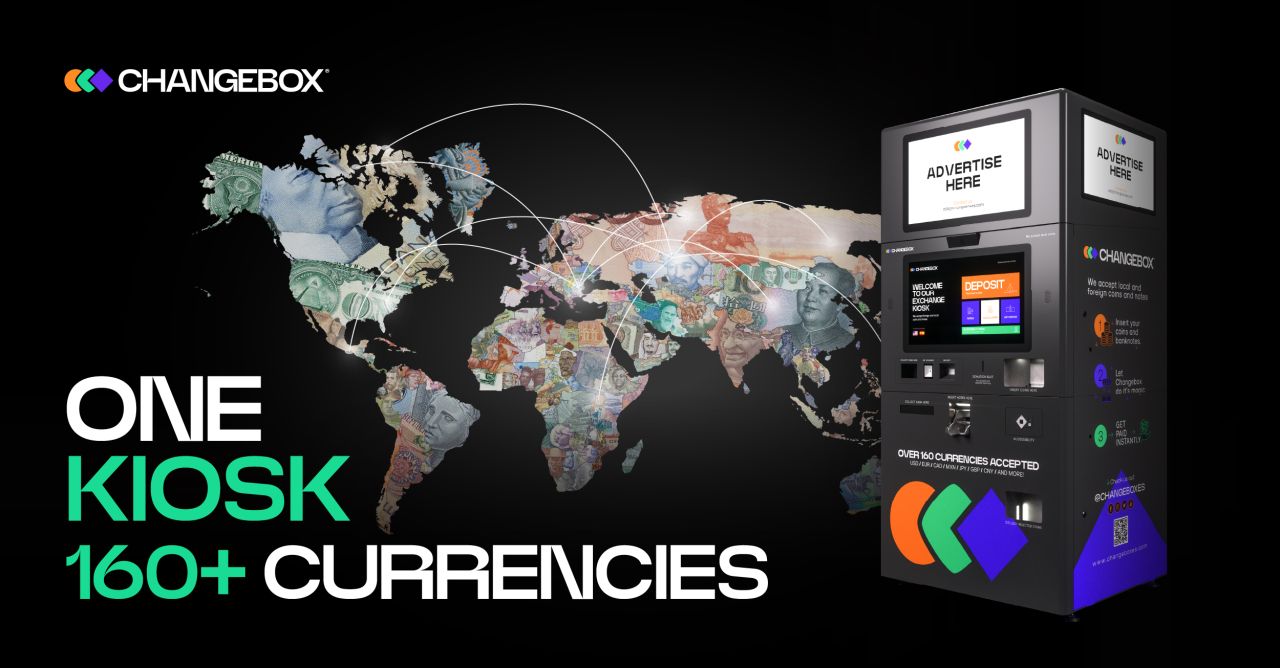
The kiosk must check exchange rates, recognise money, calculate a payout from the cash available, dispense it, and print a receipt. It also needs to handle jams, low stock, connection delays, or customers leaving before they finish.
Support teams need current information from each kiosk, secure maintenance tools, and a reliable way to send settings and software updates.
Recognise and value thousands of local, foreign, and out-of-circulation coins and banknotes.
Handle connection interruptions while exchanging information with the central system.
Help field teams refill cash, investigate faults, and update software safely.
The kiosk guides customers from depositing money to checking its value, choosing a payout, and receiving a receipt. Configurable options include local cash, digital wallet credit, vouchers, and donations. The software also handles inactive sessions, maintenance, and interrupted transactions.
Authorised staff can manage cash stock and cassettes through protected controls. Engineers can test device behaviour using simulators, so development can continue without a complete physical kiosk.
Guide customers in their language, with configurable payout choices and recovery from interruptions.
Give authorised staff tools to manage stock, check startup progress, and review recorded activity.
Share settings, exchange rates, kiosk status, transactions, and support information with the central system.
The customer application runs separately from hardware controls and message processing. Background services exchange updates with the central platform, where support teams can monitor and manage the kiosks.
Hardware simulators and desktop test tools let engineers check the software away from a physical kiosk. Automated tests, activity logs, status reporting, and update recovery tools help the team diagnose problems and maintain the kiosk and server software.